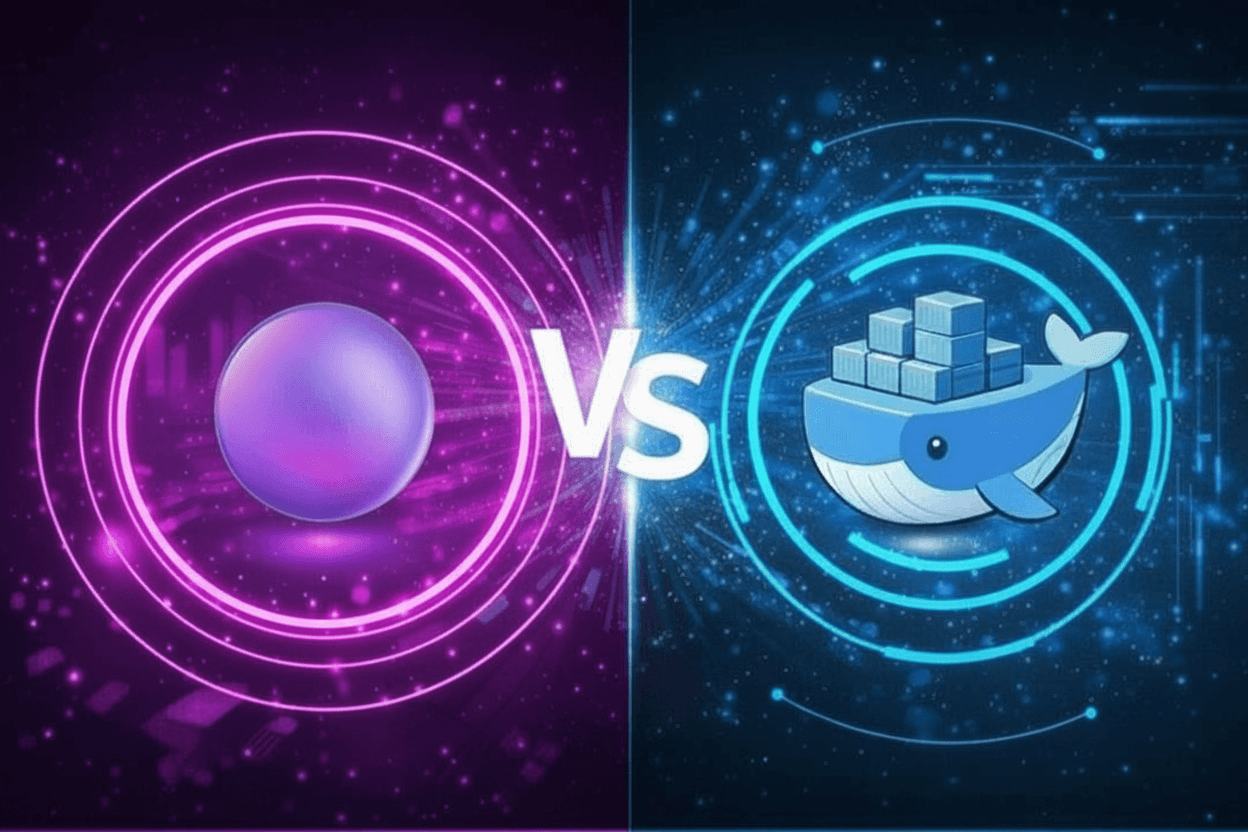
If you’re running a home server on a Mac mini, containers are the easiest way to manage services like media servers, ad blocking, monitoring, and automation. On macOS, that usually leads to one question: should you use Docker Desktop or OrbStack?
What Docker Desktop Does Well
Docker Desktop is the default option many people start with. It’s widely documented, officially supported by Docker, and works the same way across macOS, Windows, and Linux environments. If you’re following tutorials or documentation, Docker Desktop is almost always the assumed setup.
It’s reliable for basic container workloads and supports Docker Compose, volumes, and networking out of the box. For short-lived development tasks, it gets the job done.
Where Docker Desktop Falls Short
For a Mac mini running 24/7 as a home server, Docker Desktop has some real downsides. It tends to use more CPU and memory than necessary, even when containers are idle. Startup times are slower, and networking can feel opaque and brittle when you begin running multiple services.
Licensing is another issue. Docker Desktop now requires a paid license for many commercial or professional uses, which may not matter for everyone, but it adds friction for long-term setups.
What OrbStack Does Well
OrbStack is designed specifically for macOS and Apple Silicon, and it shows. Containers start faster, idle resource usage is dramatically lower, and performance is consistently smoother. For an always-on home server, that efficiency matters.
OrbStack also makes networking easier to understand and manage. Services get clean hostnames, ports behave predictably, and logs are easy to inspect. This reduces the “why isn’t this reachable?” frustration that’s common with Docker Desktop.
Apple Silicon and ARM Support
Both Docker Desktop and OrbStack support Apple Silicon, but OrbStack feels native in a way Docker Desktop does not. ARM-native images run extremely well, and multi-architecture images are handled seamlessly.
Day-to-Day Management
OrbStack’s interface is faster and more intuitive. You can see container status, logs, volumes, and resource usage at a glance. Restarting services, adjusting settings, or troubleshooting issues takes fewer steps and less guesswork.
Docker Desktop works, but it often feels heavy for what a home server actually needs.
Which Should You Use?
If you’re running a Mac mini as a home server, OrbStack is the better option in almost every case. It’s lighter, faster, quieter in terms of system resources, and easier to live with long term.
Docker Desktop still works if you need strict parity with other environments or are following very specific tooling requirements. But for media servers, ad blocking, monitoring stacks, home automation, etc., OrbStack offers a smoother experience. Once you’re ready, you can follow How to Set Up OrbStack for a Mac Mini Home Server for a complete step-by-step guide to installing and configuring OrbStack on your Mac mini.

Leave a Reply